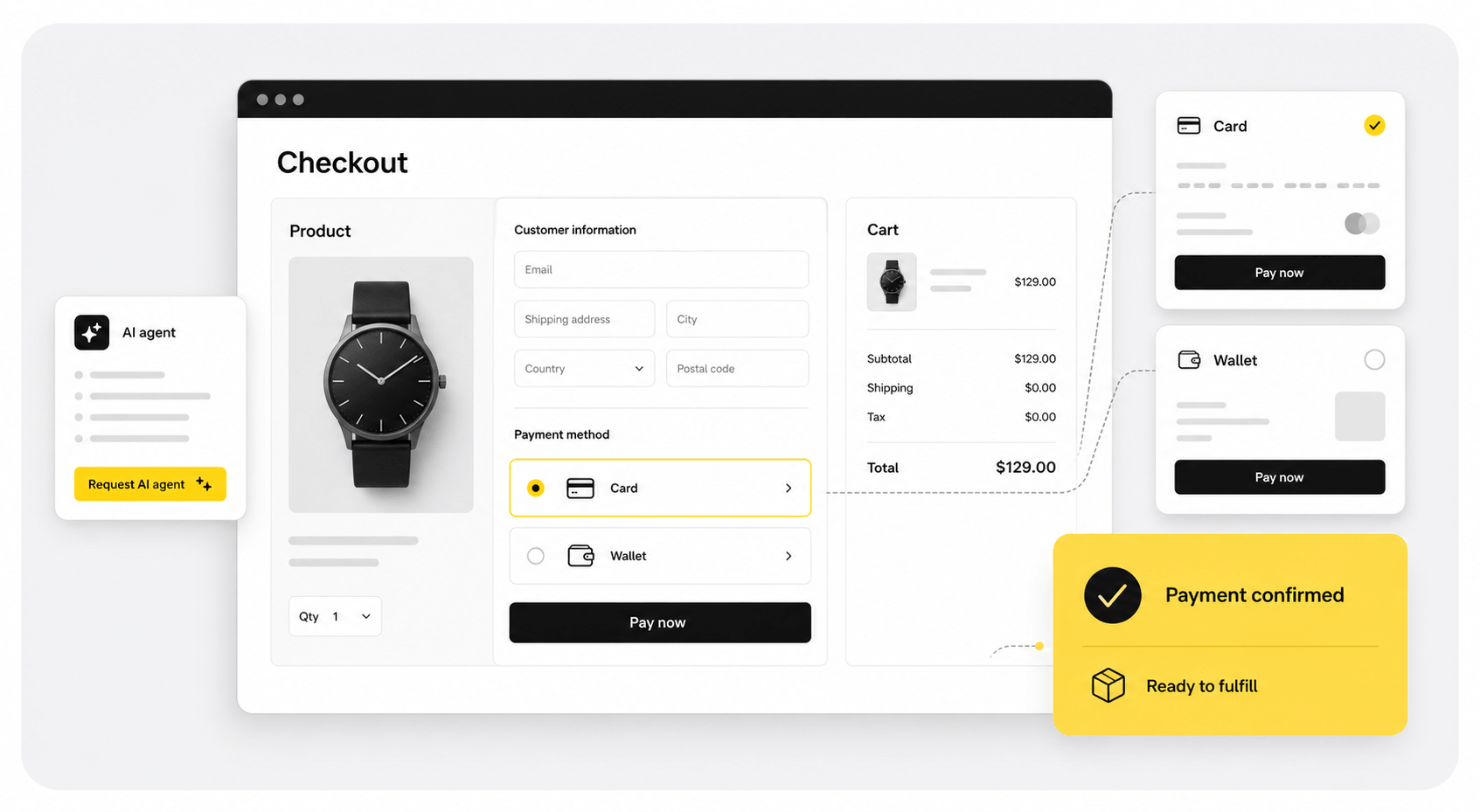
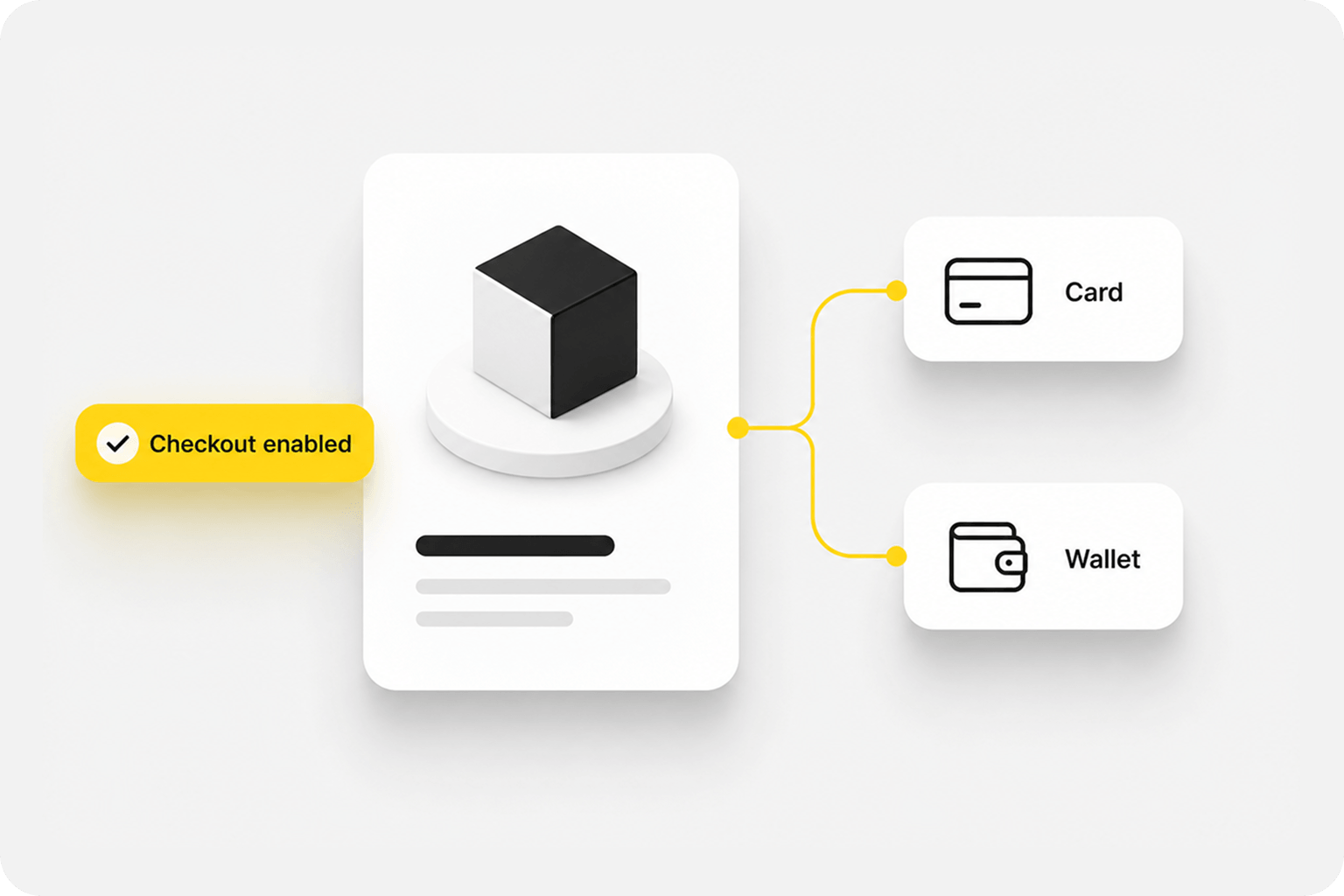
Online Store Checkout
Add card and cryptocurrency payments to product or service purchases.
Bring customers and AI agents into your existing commerce flow.
[01]Use Cases
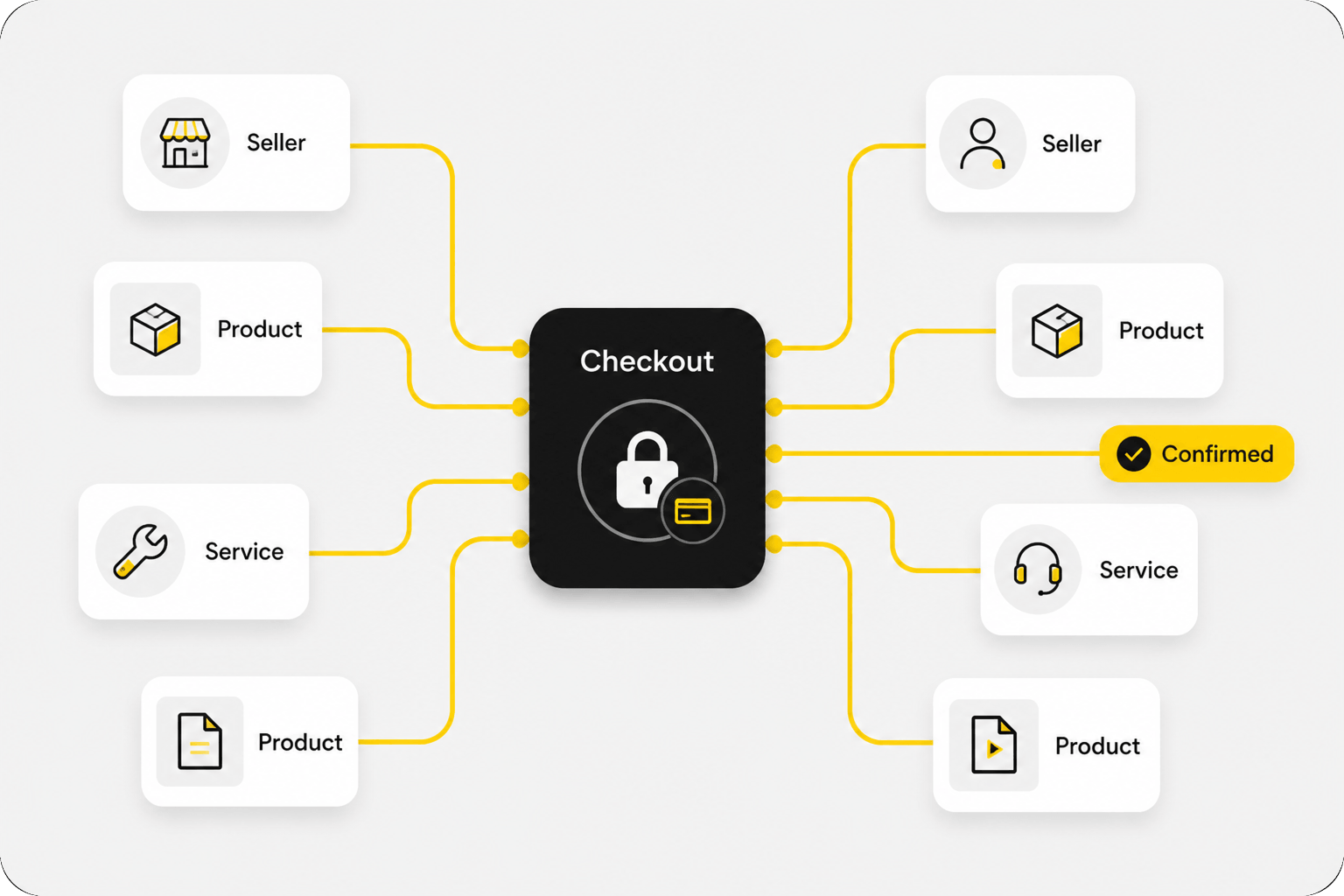
Use Checkout for product purchases, marketplace payments, and platform orders—while keeping fulfillment in your own systems.
Add card and cryptocurrency payments to product or service purchases.
Provide a consistent payment step across products, sellers, or services.
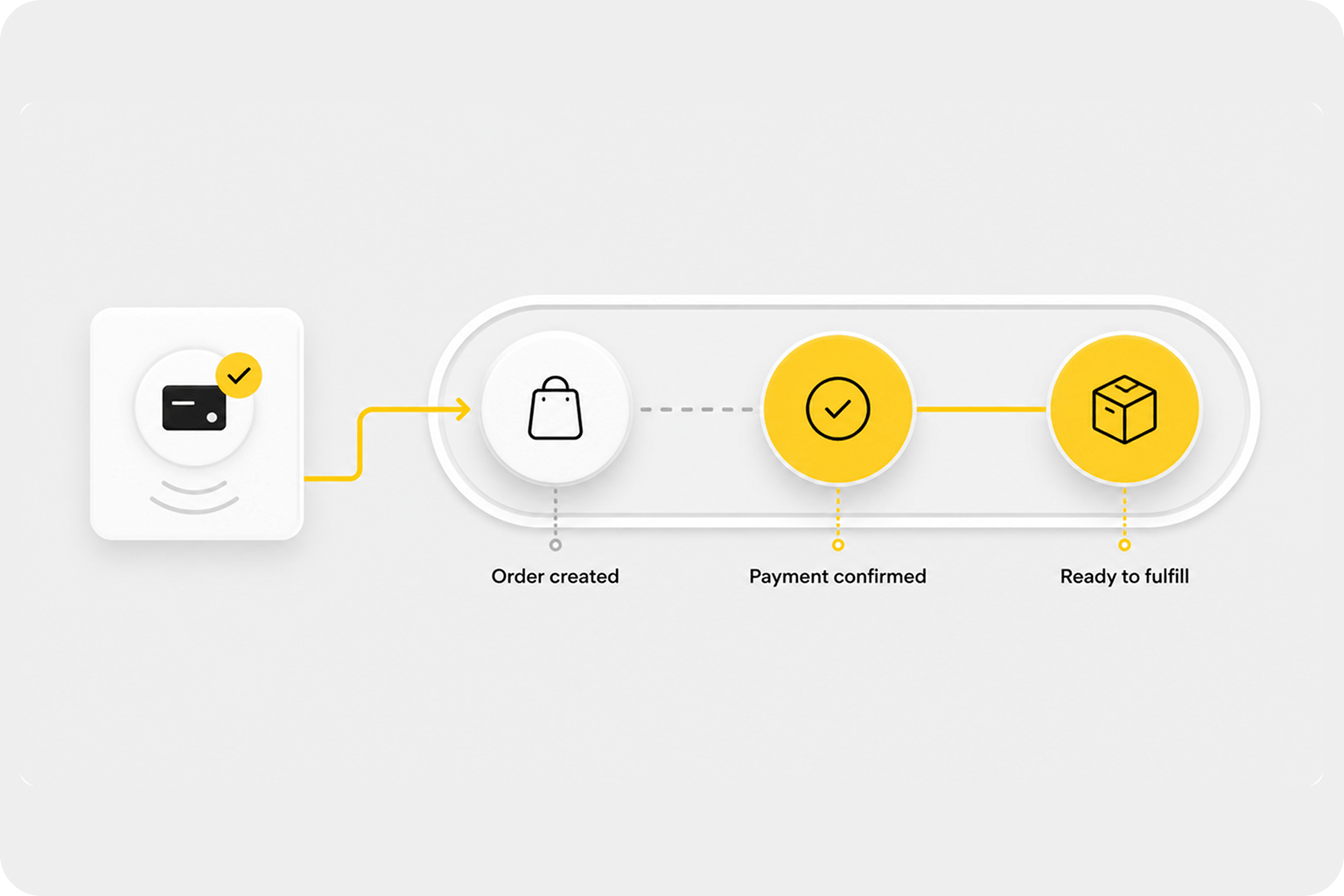
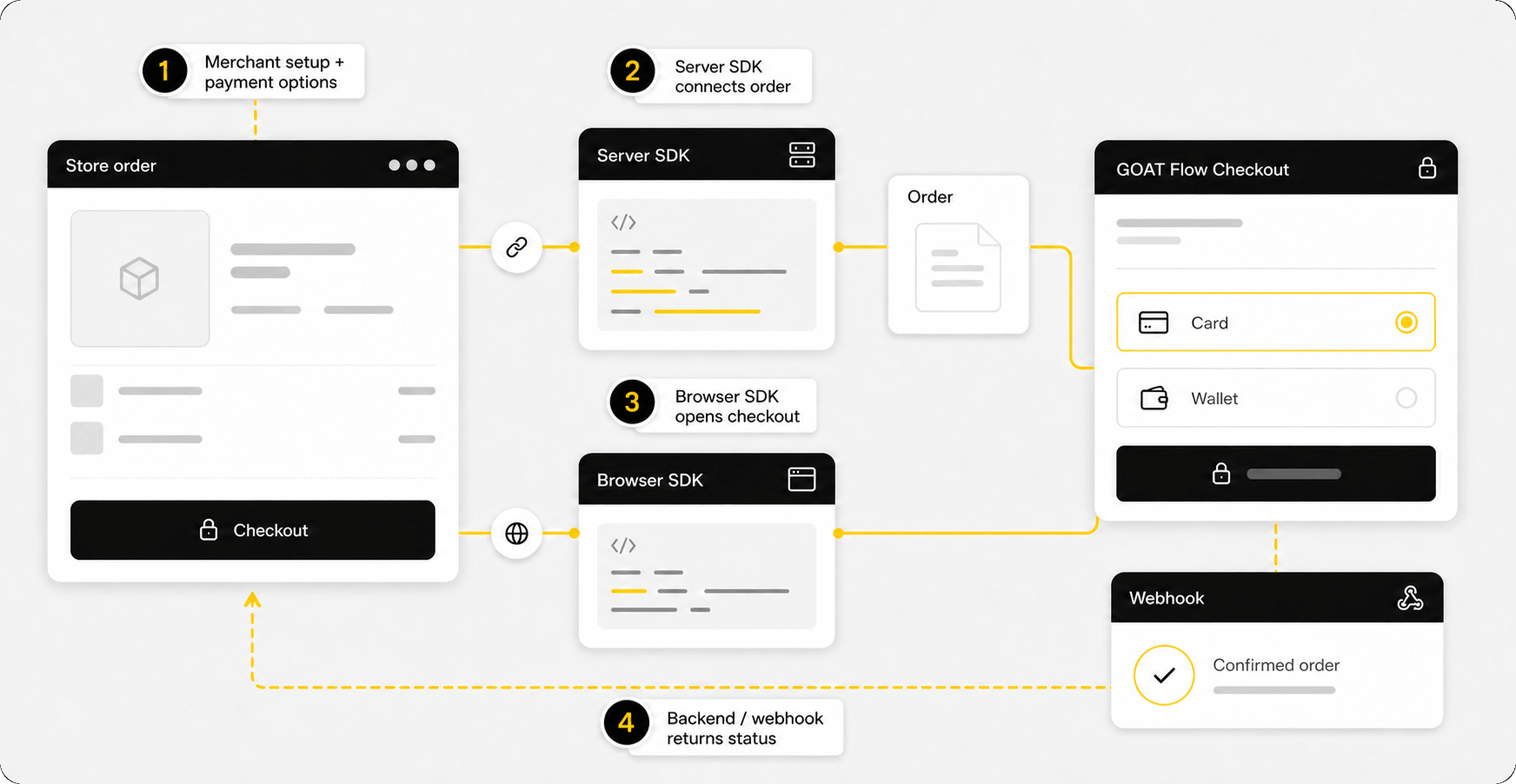
Return confirmed payment status to the order workflow your platform already uses.
[02]How It Works
[03]What You Get
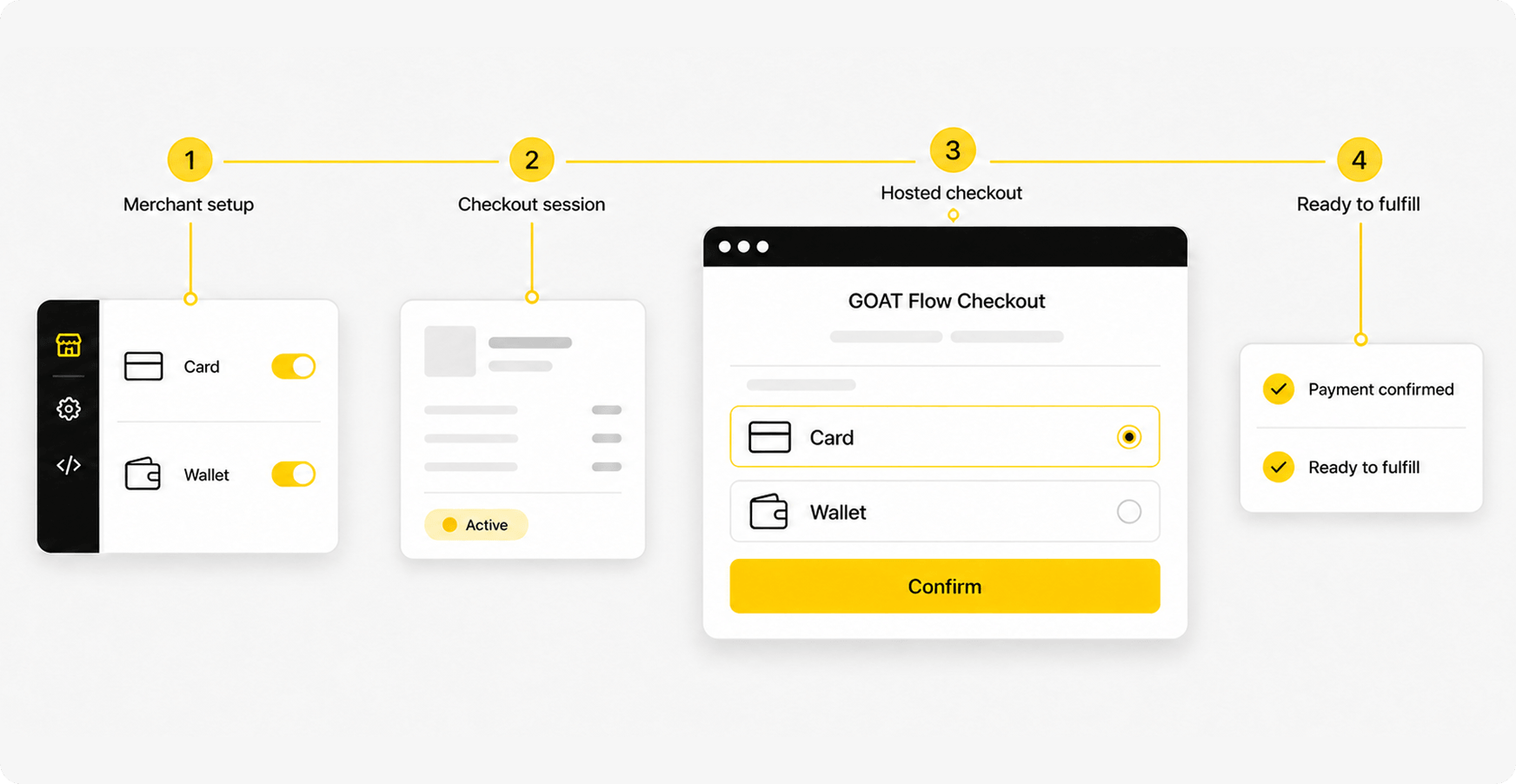
Use a GOAT Flow-hosted checkout experience without building the payment interface yourself.
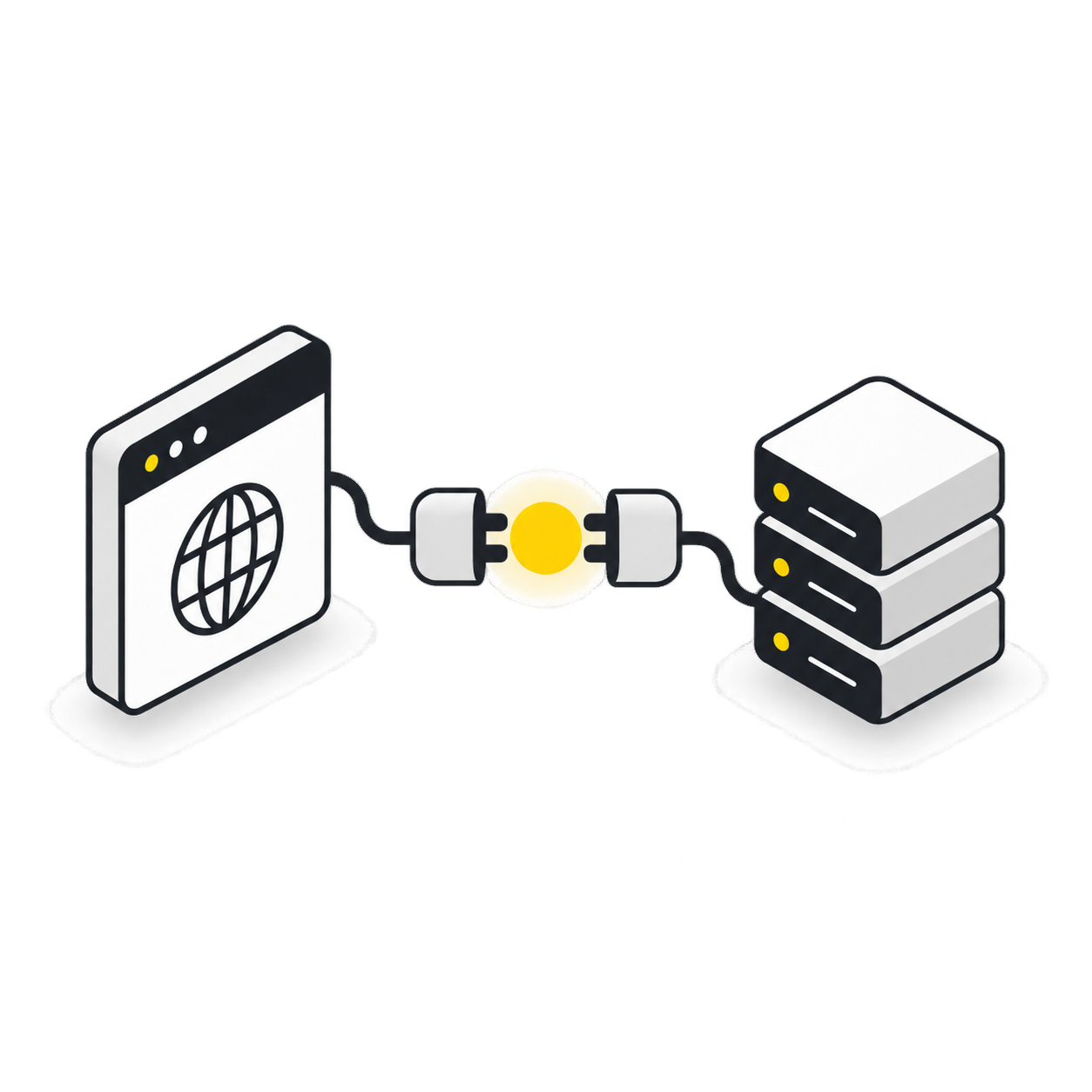
Connect your existing purchase experience through Browser and Server SDKs.
Offer the supported payment options available for your solution and merchant configuration.
Receive payment confirmation and order updates through the Merchant Portal or your connected systems.
[04]Integration & Onboarding
Best For: businesses that want to launch without building a payment interface.
Best For: stores and platforms that want to keep their own purchase experience.
[05]Example Flow
Illustrative Path
The selected card provider returns the payment result to the order flow.
The buyer pays on the selected network and GOAT Flow verifies the transfer.
[06]Payment, Fulfillment & Trust
Who Is Responsible for What
Defines products, pricing, taxes, and order details, and handles fulfillment, refunds, and customer support.
Creates and tracks transactions, matches payment results, and sends transaction status to the business.
Handles card details, authorization, processing, and settlement for eligible merchants.
Confirms cryptocurrency payments sent directly to the merchant’s configured wallet and makes the result available for verification.
Customers pay by card or cryptocurrency through checkout, while AI agents use x402 to read the payment requirements and complete payment automatically with a supported fiat account or cryptocurrency wallet.